Proposal drafts right after the meeting
When the meeting ends, the proposal draft is already waiting
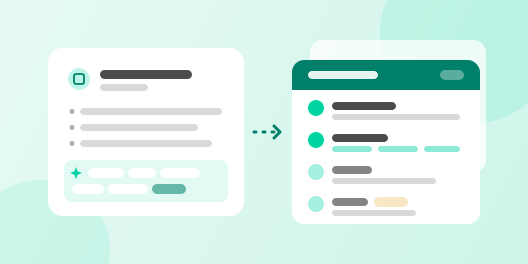
A sales team that wins work through proposals, like a consultancy, agency or SI firm, set up a flow where AI pulls the customer’s problem, goals, scope, timeline and budget out of the meeting notes and attaches a proposal draft on the company template to the deal. The rep checks pricing and scope before sending.
The problem
- 01
Proposals copied and patched
Reps took an old proposal and swapped the customer name and date, so what this customer actually said in the meeting barely showed.
- 02
Momentum fades after the meeting
In the days it took to write the proposal, the customer’s interest cooled and another vendor’s proposal arrived first.
- 03
More about us than about them
The company intro and past cases took several pages, while the customer’s problem and the plan got one or two.
How Trackit solves it
- 1
After the meeting, the rep leaves the notes on the deal
Write what you heard about the customer’s situation and asks as a note, and link the deal as a referenced record. That is all a person does. A note-created trigger starts the workflow with that note, and a filter lets through only notes with “meeting notes” in the title.
- 2
Trackit pulls the proposal inputs and drafts on your template
An AI prompt block pulls six items from the notes: problem, goals, scope, timeline, budget and success metrics. An AI document block opens the company proposal template (PowerPoint) and fills the problem, plan, timeline and pricing pages in that order from those values. The company intro and case pages stay as the template has them.
- 3
The draft lands on the deal, and the check goes to the rep
An update-record block fills the six proposal input fields and the draft file field on the deal, and a create-task block asks the rep to review the draft. The rep adjusts pricing, scope and cases, sends it to the customer, and uploads the sent version to the deal too.
- TriggerNote createdStarts when meeting notes land on a deal.
- AIAI PromptPulls six proposal inputs from the notes.
- AIAI Document GenerationFills a draft into the proposal template.
- ResultUpdate recordPuts the inputs and the draft file on the deal.
- ResultCreate taskAsks the rep to review the draft.

 Jiwon Kim
 Jechul Cho
What changed
Before Trackit
With Trackit
More use cases
 Consulting sales team
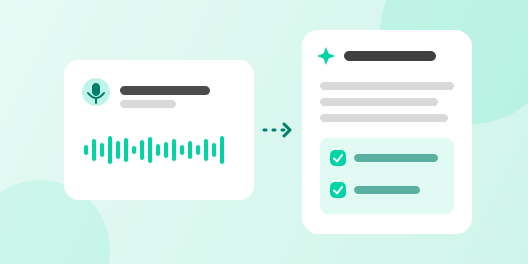
Meeting notes from recordings
Meeting recordings become text, and an agent leaves a summary and next steps.
 Meeting-heavy B2B sales team
A customer brief the day before the meeting
Every evening it finds tomorrow’s customer meetings and leaves a brief with past history and questions to ask on the record and in Slack.
 B2B sales team
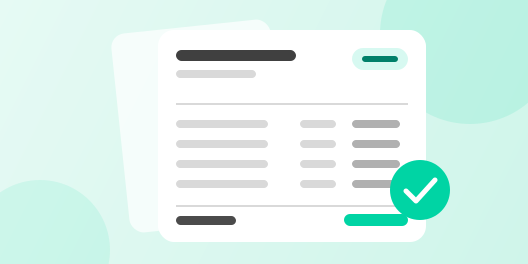
Quotes on your company form in one click
Build a quote PDF from company and product data, and keep it in Quotes with the deal.