No missed inquiries, renewals or warning signs
Channel Talk chats link to the customer as soon as they open, and every email lands on the timeline. Each account can hold several contracts, and you get a reminder and a task before each one ends. An agent finds accounts that have gone quiet or keep opening chats, and notes them in a status field.
What customer success teams worry about
Channel Talk chats and email inquiries live apart from the customer record
Chats and emails come together on the customer record
When a Channel Talk chat opens, a chat record is created and linked to the customer by email. Emails and meetings land on the customer timeline, next to the notes sales left before the deal closed. You keep replying in Channel Talk, and the conversation follows into Trackit.
Related features
Each account has several contracts, so end dates and renewals slip
Renewal prep starts before the contract ends
Keep each contract as a record linked to the account with its end date, and a workflow creates the renewal deal on the day you set. Thirty days before the end, the owner gets a reminder and a follow-up task. However many contracts an account has, each one is tracked on its own.
Related features
You only have a hunch about which accounts are at risk
An agent picks out the accounts to check on
Set a workflow so that every week, at a time you choose, a custom agent reads each account’s recent contact, chats and open tasks, then fills in a status and the reason on the account. Team leads see account counts by status on the dashboard and decide where to start.
Related features

 Toss · IT Strategy Team Lead


 Dohyun Park


How teams use it
Customer stories


Use cases
 Subscription and rental
Renewal sales 90 days before expiry
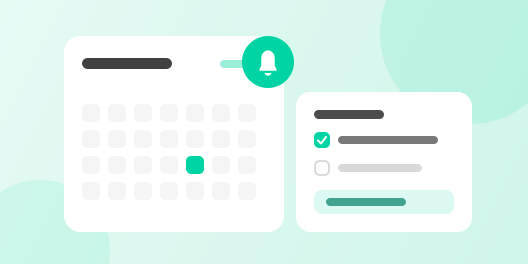
For every contract, a renewal deal and a follow-up task appear 90 days before it ends, and the owner is reminded again at 30 days.
 Sales organization
Weekly sales reports written by an agent
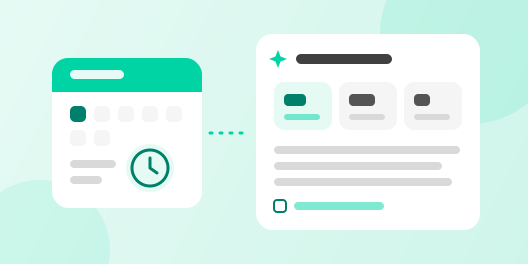
Every Monday morning, an agent reads last week’s sales activity and leaves a team report.
Recommended plan
Pro₩50,000 /user/month
Email and calendar sync, custom objects, dashboards and automation all come with the Pro plan.
Get started today
From managing customer data to automating your work, start it all with Trackit.